

Introduction
Managing an ABA practice shouldn’t mean drowning in paperwork and juggling multiple systems. As someone who understands the unique challenges of running a therapy practice, I know how critical it is to have software that genuinely works with your workflow, not against it. The right practice management tool can transform your operations—from streamlined billing and scheduling to comprehensive data collection and reporting.
In this guide, I’ll analyze the top four ABA practice management software solutions for 2026, starting with Theralytics and including other leading platforms. Each option has been evaluated based on core functionality, ease of use, integration capabilities, pricing structure, and real-world performance in ABA practice settings.
Disclaimer: While this guide provides comprehensive information about ABA practice management software, it’s essential to evaluate each platform based on your specific practice needs, compliance requirements, and workflow preferences. Be sure to schedule demos and consult with your team before making a final decision, as the right software choice can significantly impact your practice’s operational efficiency and clinical outcomes.
In this article, you’ll find:
- Quick comparison of top 4 ABA software solutions
- Detailed reviews of each platform’s features
- Comprehensive buying guide for ABA practice software
- FAQ section addressing common concerns
Product Reviews Section
Product Selection Criteria
These four platforms were selected based on their well-rounded feature sets specifically designed for ABA practices. They have proven track records in the industry, integrate clinical and administrative functions, comply with HIPAA standards, and receive positive user feedback from ABA professionals.
Theralytics

Best for: Streamlined all-in-one practice management with intuitive workflows
Key Specifications:
- Cloud-based comprehensive practice management solution
- Unified platform for scheduling, billing, data collection, documentation, payroll, and reporting
- HIPAA-compliant with enterprise-grade security
- Multi-platform accessibility (web, mobile, desktop)
- Real-time reporting and analytics
- Insurance claims management with automated verification
- Customizable templates for clinical documentation
Price Range:
- Free – Startup package for 6 months or until first client
- $20/client/month – Practice Management or Data Collection (10-client minimum)
- $30/client/month – Combined Practice Management or Data Collection plan
Pros:
- All-in-one platform eliminates the need for multiple systems
- User-friendly interface with minimal learning curve
- Comprehensive payroll integration streamlines staff compensation
- Robust reporting capabilities for clinical and financial insights
- Excellent customer support with dedicated onboarding
Cons:
- Doesn’t integrate with other practice management and data collection softwares
Detailed Review:
Theralytics truly stands out as a comprehensive solution designed for ABA and therapy providers who want to consolidate their practice management into one efficient platform. It excels at unifying separate systems—scheduling, billing, data collection, documentation, and payroll—into one seamless workflow.
What makes Theralytics particularly effective for streamlined workflows is its intuitive design, built with the real challenges of ABA practices in mind. Navigating the platform is logical, and you’ll find fewer clicks are needed to complete common tasks. Its scheduling module intelligently manages therapist assignments and client sessions, while the billing system handles insurance verification, claims submission, and payment tracking with impressive automation.
The data collection features integrate seamlessly with clinical documentation, allowing BCBAs and therapists to track progress, generate reports, and document sessions without switching between different systems. Security and compliance are foundational to Theralytics, ensuring your practice’s sensitive health information remains secure.
Ideal User Profile: Mid-sized to large ABA practices seeking a comprehensive, user-friendly solution that reduces administrative burdens and improves operational efficiency across all practice functions.
Standout Benefits:
- True all-in-one platform reduces software sprawl
- Payroll integration unique among ABA-specific platforms
- Intuitive interface reduces training time for new staff
- Strong focus on workflow efficiency
CentralReach

Best for: Enterprise-level practices requiring advanced AI-powered features
Key Specifications:
- AI-powered EHR and practice management platform (cari AI assistant)
- Supports ABA and multidisciplinary services
- Comprehensive learning management system (LMS)
- Advanced clinical data collection and analytics
- Insurance billing and revenue cycle management
- Assessment tools and treatment planning
- Compliance management and audit preparation
- Mobile app for field data collection
- Price Range: Custom enterprise pricing (typically higher investment, contact for quote)
Pros:
- Industry-leading platform trusted by 4,000+ practices and 200,000+ professionals
- AI-powered assistance trained on over a billion data points
- Robust assessment tools and clinical resources
- Strong compliance and audit-readiness features
Cons:
- Higher price point may be prohibitive for smaller practices
- Steeper learning curve due to extensive feature set
- Some users report complexity in billing system setup
Detailed Review:
CentralReach sets the standard for enterprise-level ABA practice management, offering a feature-rich platform that goes beyond basic operations. The integration of cari, their AI assistant developed with BCBAs, is particularly noteworthy, as it provides intelligent recommendations and automates routine documentation tasks.
This platform is excellent for large, multidisciplinary practices serving individuals with autism and developmental disabilities. It excels in providing comprehensive training modules, competency evaluations, and continuing education tracking, which are vital for maintaining clinical excellence across teams.
However, its billing system requires significant initial setup, and practices using CentralReach should plan for proper training and implementation support to fully leverage its capabilities.
Ideal User Profile: Large ABA practices and enterprise organizations that need advanced features and can invest in higher-tier solutions.
Standout Benefits:
- AI-powered clinical assistance enhances productivity
- Most comprehensive feature set in the industry
- Excellent for practices requiring rigorous compliance documentation
Artemis ABA
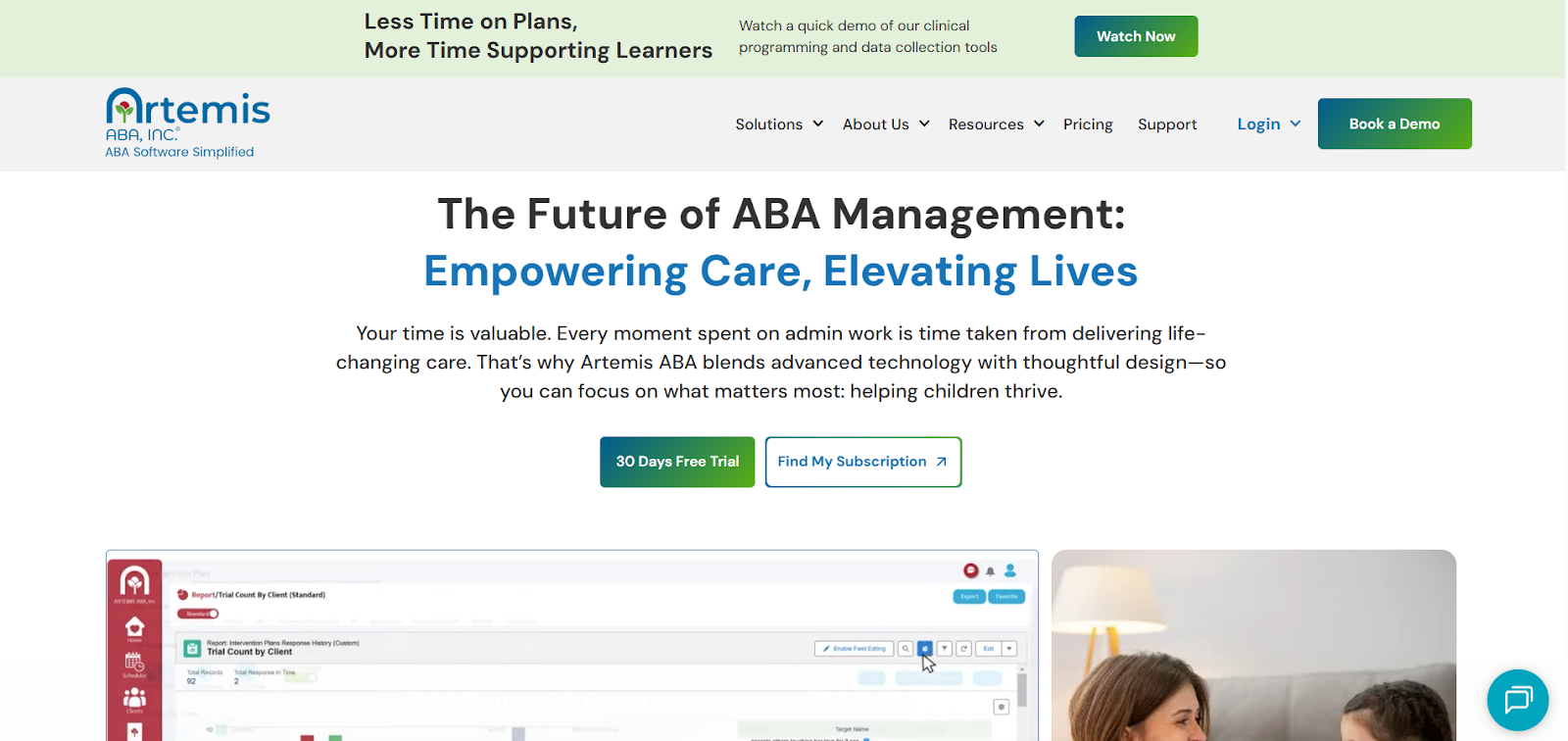
Best for: Growing ABA teams seeking simple, efficient practice management
Key Specifications:
- Unified dashboard for all practice management functions
- Scheduling and calendar management
- Session notes and clinical documentation
- Data management and progress tracking
- HIPAA-compliant security
- Scalable pricing plans for different practice sizes
- Price Range: Tiered pricing starting from basic plans for new practices to comprehensive plans for established teams (contact for specific pricing)
Pros:
- Simple, no-frills approach reduces complexity
- Excellent for practices looking to launch or scale efficiently
- Unified dashboard simplifies day-to-day operations
Cons:
- May lack some advanced features found in enterprise platforms
- Fewer integration options compared to larger competitors
Detailed Review:
Artemis ABA embodies a straightforward approach to practice management, focusing on essential functions without overwhelming the user with unnecessary complexity. This makes it particularly beneficial for growing practices that value efficiency.
Its scheduling module effectively streamlines appointment management with visual displays and automated reminders, while the data management features allow for clear progress tracking. Also, the pricing structure supports practices at various growth stages, making it accessible for all.
Ideal User Profile: New ABA practices just launching operations and small to medium-sized growing teams that prefer simplicity over advanced features.
Standout Benefits:
- Exceptional ease of use with minimal learning curve
- Pricing flexibility supports practice growth stages
- Time-saving features without unnecessary complexity
Ensora Health ABA Suite
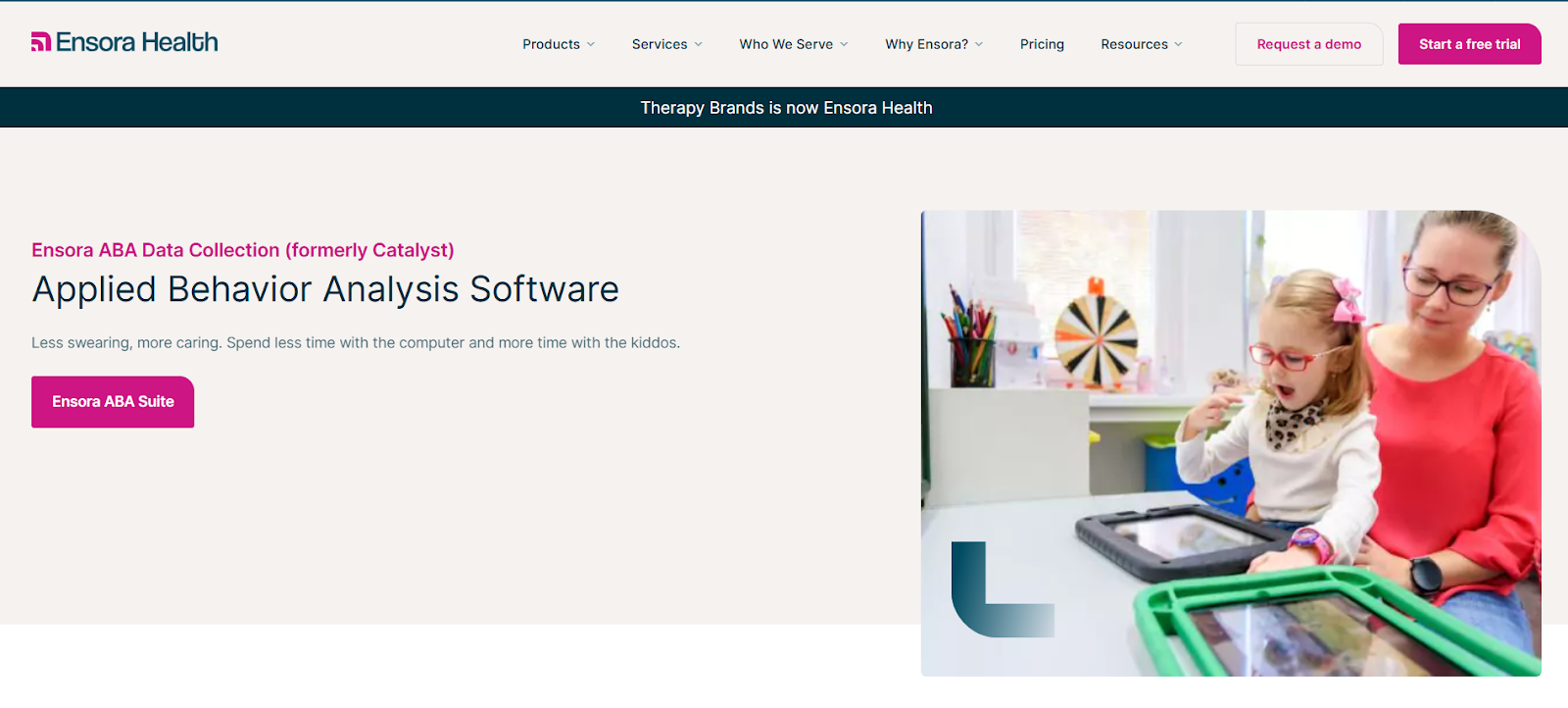
Best for: Practices prioritizing integrated data collection with practice management
Key Specifications:
- Combined ABA practice management and data collection platform
- Clinical data collection tools optimized for ABA methodologies
- Scheduling and appointment management
- Billing and claims processing
- Progress reporting and analytics
- Mobile-friendly interface for field use
- Price Range: Mid-market pricing (contact for quote based on practice needs)
Pros:
- Excellent integration between data collection and practice management
- Strong focus on improving client outcomes through data-driven approaches
Cons:
- Smaller market presence compared to industry leaders
- May have fewer third-party integrations than larger platforms
Detailed Review:
Ensora Health positions itself as a robust blend of practice management efficiency and clinical data collection excellence. This dual focus makes it especially attractive for practices committed to evidence-based treatment.
Its data collection tools are expertly designed for ABA methodologies, ensuring a seamless workflow between administrative needs and clinical functions. BCBAs can review session data and adapt treatment plans with ease, all from an intuitive platform.
Ideal User Profile: ABA practices focused on clinical excellence and data-driven decision-making.
Standout Benefits:
- Superior integration between clinical data and practice management
- Excellent mobile data collection capabilities for diverse settings
Comparison Table
| Platform | Key Features | Best For | Rating |
| Theralytics | All-in-one platform: scheduling, billing, data collection, documentation, payroll, reporting | Streamlined workflows and comprehensive practice management | ⭐⭐⭐⭐⭐ |
| CentralReach | AI-powered EHR, LMS, advanced analytics, multidisciplinary support, assessment tools | Enterprise practices needing advanced features and AI assistance | ⭐⭐⭐⭐⭐ |
| Artemis ABA | Unified dashboard, simplified scheduling, session notes, scalable pricing plans | Growing teams seeking simplicity and efficiency | ⭐⭐⭐⭐ |
| Ensora Health ABA Suite | Integrated data collection, practice management, mobile interface, treatment planning | Data-driven practices with mobile therapy needs | ⭐⭐⭐⭐ |
Buying Guide Section
Choosing the right ABA practice management software is a critical decision that impacts every aspect of your operations—from daily scheduling to financial health to clinical outcomes. The software landscape has evolved significantly, with platforms now offering comprehensive solutions that go far beyond basic scheduling and billing.
Core Administrative Functions
Your practice management software should, at a minimum, handle:
- Scheduling: Conflict detection and automated reminders
- Billing: Comprehensive insurance verification and claims management
- Clinical Documentation: Security that meets HIPAA compliance standards
Look for platforms that integrate these functions seamlessly rather than requiring separate systems that lack communication.
Clinical Data Collection Integration
For ABA practices, the ability to collect, analyze, and report clinical data is vital. Evaluate whether the platform supports various ABA data collection methods (frequency, duration, interval recording, etc.) and integrates smoothly with treatment planning. Mobile accessibility for data collection is crucial for services provided in homes or schools.
Scalability and Growth Considerations
Consider where your practice is today and where you aim to be in a few years. Smaller practices may prioritize simplicity and cost-effectiveness, whereas rapidly growing practices should invest in comprehensive solutions that can handle increased complexity.
Revenue Cycle Management
Billing efficiency directly impacts your practice’s financial health. Examine how each platform manages processes like insurance verification and claims submissions. Theralytics excels in comprehensive revenue cycle features integrated into daily workflows.
Staff Management and Payroll
If you manage multiple therapists, consider platforms that include robust staff scheduling and payroll integration. Theralytics provides automatic calculation of compensation based on session data, a time-saver for administrative staff.
Reporting and Analytics
Look for platforms that offer both:
- Clinical Progress Reporting: For families and funding sources
- Business Intelligence Dashboards: Showing key performance indicators and operational efficiency
User Experience and Training
Consider the user-friendliness of the software. Platforms like Theralytics and Artemis ABA are designed for intuitive use, while CentralReach, with extensive features, requires a more comprehensive onboarding approach.
Integration Ecosystem
Examine whether the platform integrates with tools you currently use or plan to use. Strong integration capabilities prevent data silos and reduce duplicate entries.
FAQs Section
- What features are essential in ABA practice management software?
Essential features include HIPAA-compliant scheduling, insurance billing, clinical data collection tools, progress tracking, and secure communication capabilities. Platforms like Theralytics integrate these functions to streamline operations. - How much does ABA practice management software typically cost?
Pricing varies widely based on practice size and features. Entry-level solutions might start at $100–200/month for small practices, while comprehensive platforms can range from $300–1,000+/month for mid-sized practices. - Can ABA practice management software help with insurance billing and claims?
Yes, quality software includes robust billing features specifically designed for such processes. Look for platforms with automated eligibility verification and claims tracking. - Is training provided when implementing new practice management software?
Most reputable platforms include training and onboarding support. Ask about specific training hours and ongoing support availability during your evaluation. - How does data collection work in ABA practice management software?
Modern systems support various data collection methods and allow real-time data entry, ensuring seamless integration with treatment goals and reporting. - Can I access the software on mobile devices for home-based therapy?
Yes, all recommended platforms are mobile-accessible, essential for ABA practices delivering services outside clinic settings. - How secure is the data stored in ABA practice management software?
All platforms in this guide are HIPAA-compliant and employ high-grade security measures. Always verify certifications and data protection procedures before finalizing your choice. - What happens to my data if I switch platforms?
Reputable vendors typically offer data export capabilities, though formats and completeness may vary. Always ask about this aspect when selecting software.
Conclusion
Selecting the right ABA practice management software shapes your practice’s operational efficiency, clinical effectiveness, and financial health. Each reviewed platform offers distinct advantages tailored to various practice needs and stages.
- For comprehensive workflows: Theralytics offers exceptional all-in-one functionality with intuitive design.
- For enterprise practices: CentralReach boasts an extensive feature set with AI assistance.
- For simplicity: Artemis ABA provides efficient, easy-to-use management.
- For integrated data collection: Ensora excels in bridging clinical and administrative functions.
No matter your practice’s needs, investing in purpose-built ABA software can enhance efficiency and improve patient outcomes.